Turbo Pudding
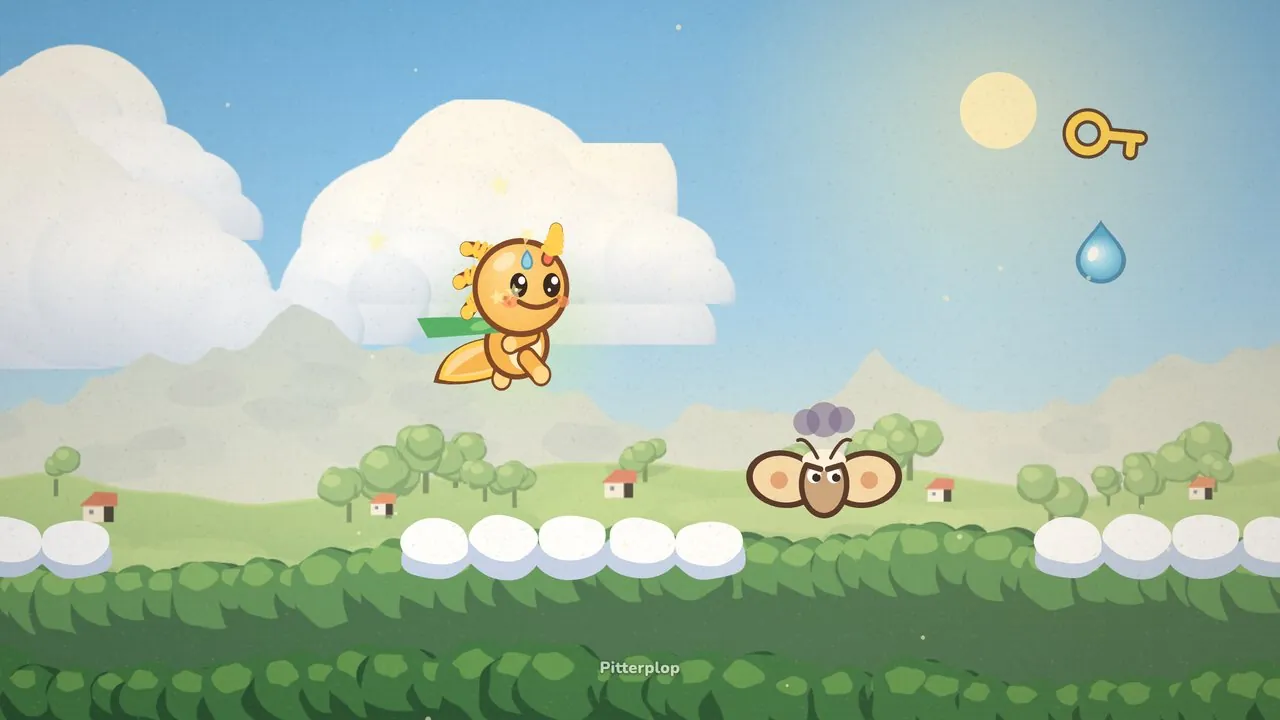
Nobody plays a platformer to admire its camera. You notice it only when it goes wrong: the screen bobs with every hop, the ledge you are running toward is still off the edge, or you drop into a pit you never saw. In Pitterplop we wanted the opposite. The camera should feel like a friend walking half a step ahead of Gilby, quietly pointing at what comes next.
It turned out to be about forty lines of code and a lot of small rules. Here they are.
Look where Gilby is going
When Gilby runs, the camera slides ahead of him in the direction he is moving, by about an eighth of the screen width. That little extra room is where the next puddle, critter or dewdrop appears, so you see it a moment sooner.
The slide is slow on purpose. If the camera jumped ahead the instant you pressed a direction, every quick turn would whip the whole meadow left and right. Instead it eases over, and when Gilby stops it drifts back to the middle so gently that you hardly notice.
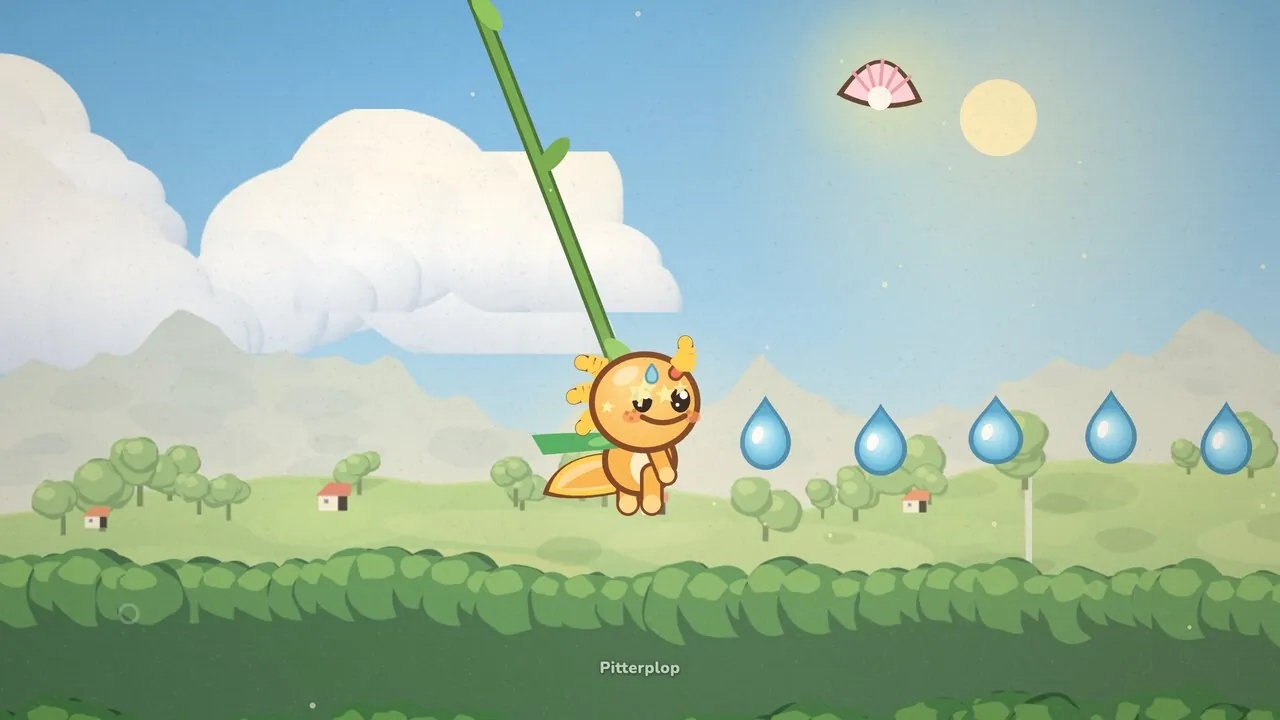
There is one exception. On a vine, Gilby sways back and forth, and a camera that chased each swing would make you seasick. So while he holds a rope, the look-ahead simply fades to zero and the screen stays calm.
Small hops don’t move the screen
This is the rule we are proudest of. Up and down, the camera does not follow Gilby himself. It follows the ground he last stood on.
Every time Gilby lands, the camera notes the height of his feet and settles there, with his feet about two thirds of the way down the screen. That leaves more sky above than earth below, which suits a game full of drops, stars and hanging branches. While he is in the air, that height stays put. A jump on the spot, a bounce off a sleepy beetle, a hop over a puddle: the horizon does not budge.
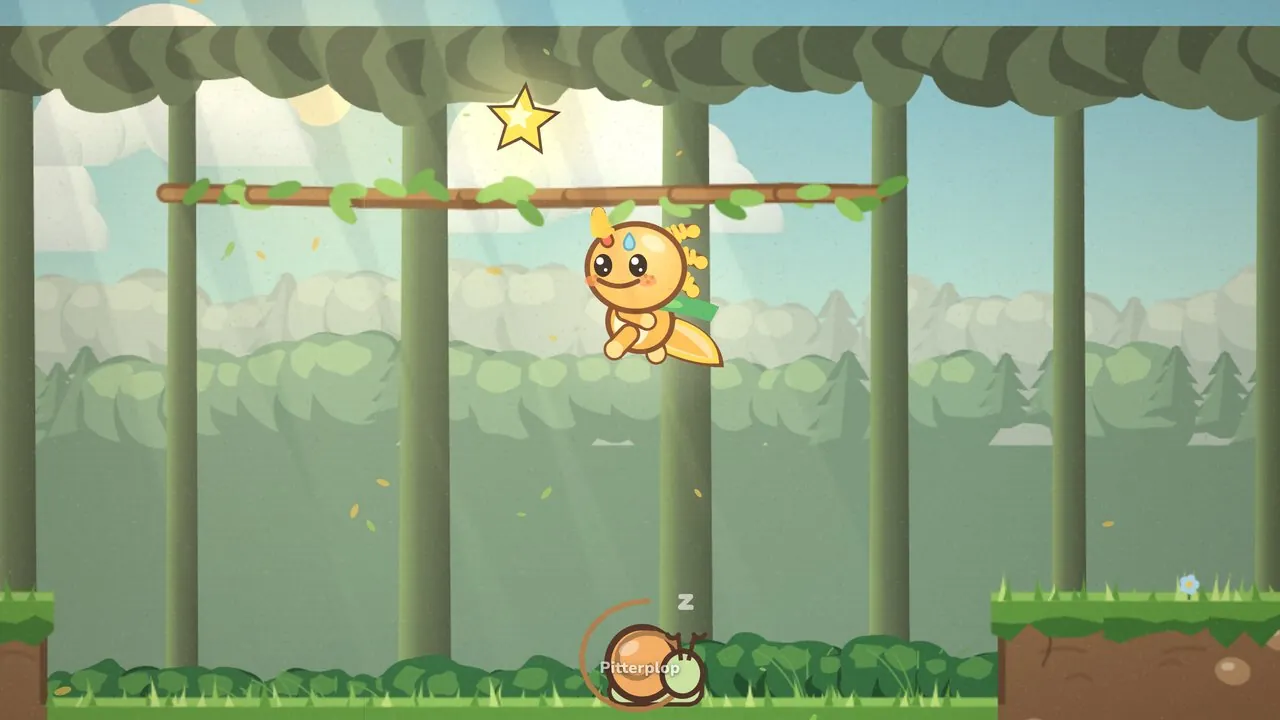
Only two things make it move while Gilby is airborne. If he falls below the ground he left, the camera follows him down. And if a big jump carries him close to the top edge of the screen, the camera rises with him, so he never vanishes into the treetops.
Falling gets a faster camera
The camera moves at two speeds. On a normal day it catches up gently. But when the view needs to go down and Gilby is in the air, it hurries, more than twice as fast. A fall is exactly the moment you need to see where you will land, and a lazy camera there would leave you guessing.
Hold down to peek
Sometimes you want to look before you leap. Stand still and hold down, and after about a third of a second the camera slides down by roughly a third of the screen. Let go and it glides back.
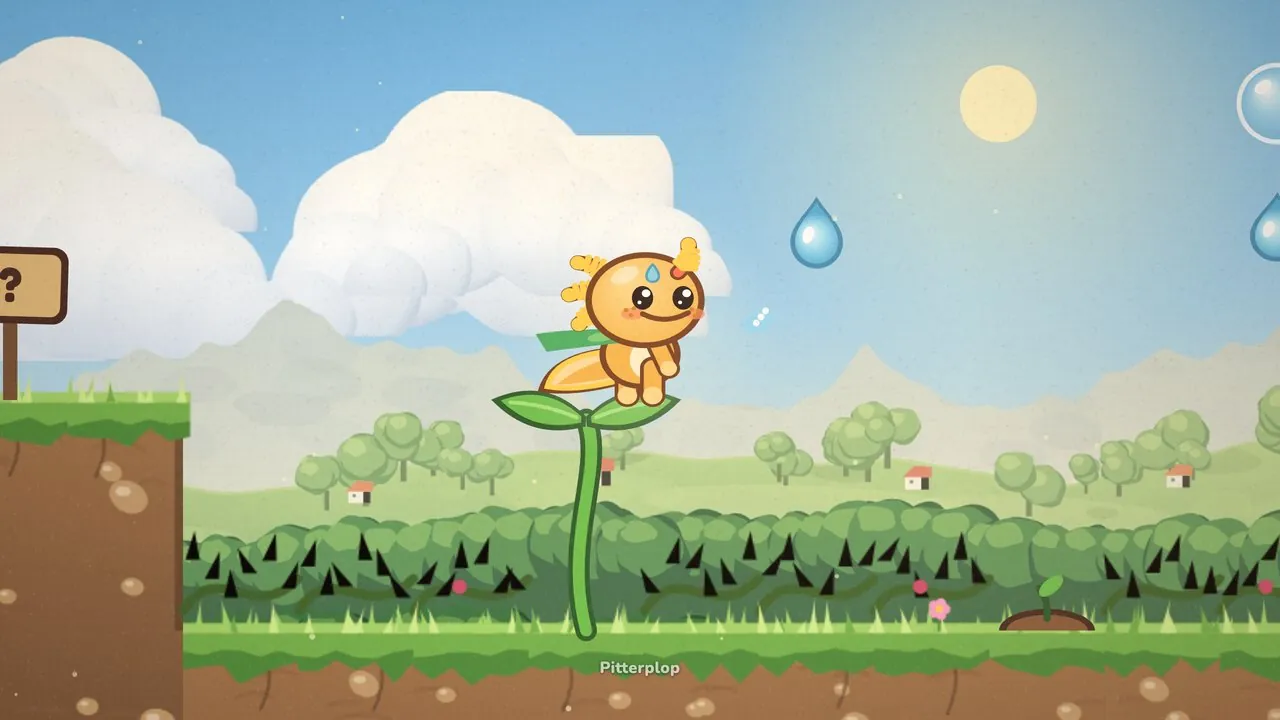
The short wait matters. Without it, every time you pressed down for any other reason the screen would twitch. With it, peeking only happens when you clearly ask for it.
Never past the edge of the world
The camera always stays inside the level. Near the start or the end it stops sliding and lets Gilby walk toward the edge of the screen instead of showing empty space. If a room is narrower than the screen, the camera centers it and stays there.
On small phones the whole world is zoomed in a little, up to about one and a half times, so Gilby stays about the same size as on a bigger screen. The camera rules stay the same, they just work with a smaller window.
Burdock gets the camera too
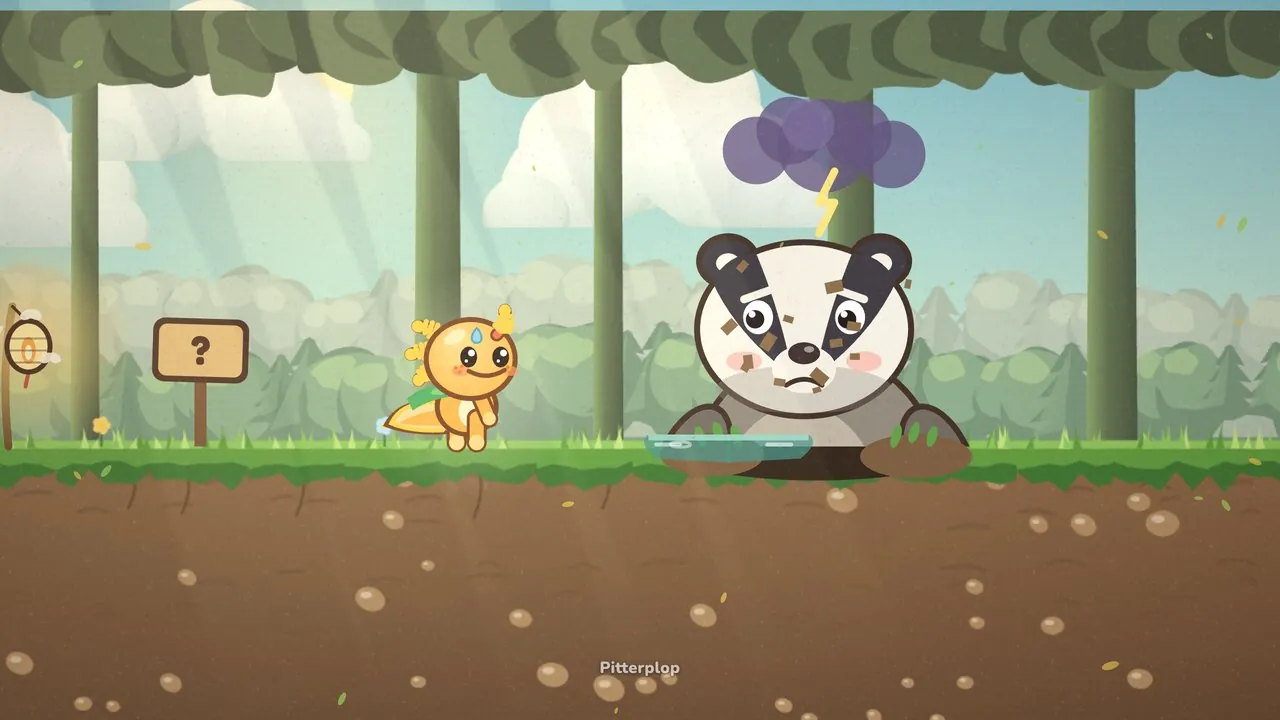
In Burdock’s Burrow the rules change. The camera stops looking where Gilby runs and starts looking at Burdock instead. It moves about halfway toward her, up to almost a third of the screen width, so both of them stay in view and you can see where she is about to pop up.
A shake you can switch off
The camera also shakes a little when something heavy happens, and each event has its own strength. A bonk barely nudges the screen, a crumbling ledge falling away shakes it more, and getting hurt shakes it most of all.
Not everyone likes that, so Screen shake has its own switch in the settings. If your device is already set to reduce motion, the game starts with the shake turned off.
All of it runs sixty times a second, and if we did our job, you will never think about it once. You can try the first two levels of Pitterplop for free and see how little you notice.